Cheat Sheet
The IP address of your your portal is available in Cluster information.


Enter the username and IP address of the host and click the Launch button. For example, if the host has an IP of 10.141.0.101 and your user on the host is john:

In the case above, you would enter john and john’ Ubuntu password.
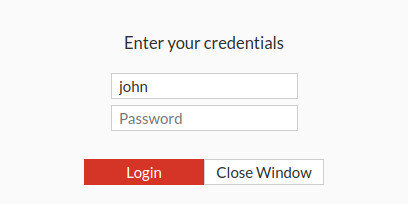
You should now have command line access to the host.
The IP address of your your portal is available in Cluster information.
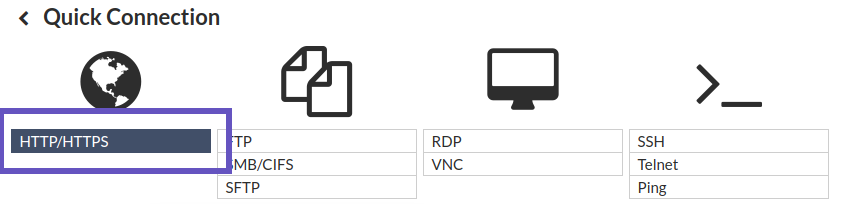
Enter the IP address of the host’s BMC interface (the host’s out-of-band management IP) and click the Launch button. For example, if the host has an out-of-band management IP of 10.148.0.251:

The BMC password of each host is provided by Lambda during hand-off.
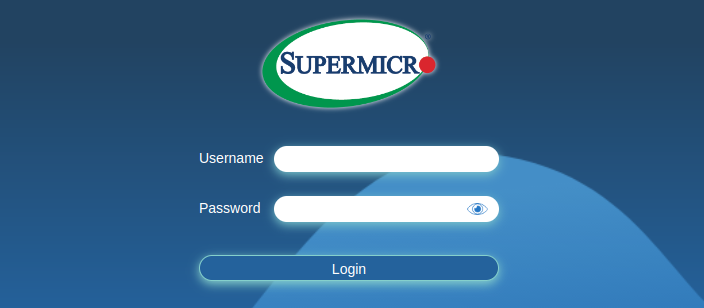
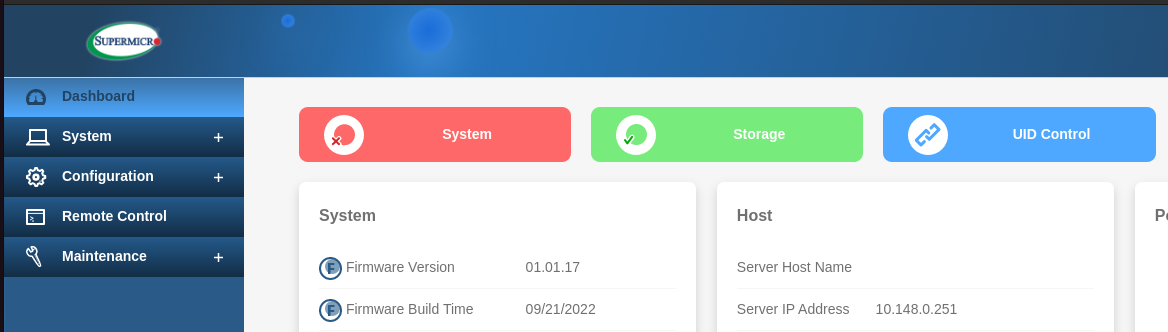
You’ll now be logged into the BMC dashboard. Here’s what it looks like: